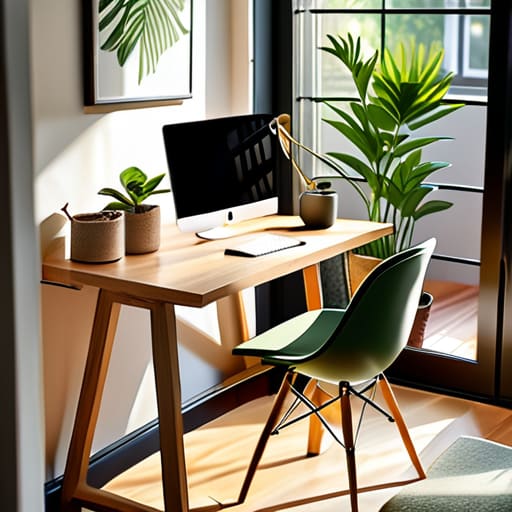
Stop wasting your paycheck on ergonomic chairs and $500 standing desks that end up serving as glorified laundry racks. I see it every week: people trying to solve a fundamental lack of discipline with expensive hardware. They think a new gadget will magically fix their focus, but they haven’t even figured out how to set up a home office that works because they haven’t even defined what “work” looks like in their own house. You don’t need a smart lamp; you need a defined boundary between your living room and your profit center.
I’m not here to sell you on a lifestyle aesthetic or a minimalist Instagram setup. I’m going to show you how to build a functional workstation by looking at your actual workflow first. We are going to strip away the fluff and focus on the process—mapping out how you move, how you think, and how you execute—before we even touch a piece of furniture. If you want a curated showroom, go to IKEA; if you want a high-output environment, read on.
Table of Contents
Map Your Workflow Before Buying Furniture

Most people approach a home office setup like a shopping spree. They browse catalogs for ergonomic chairs and standing desks, thinking a higher price tag equals better output. It’s a mistake. You’re trying to solve a structural problem with furniture. Before you spend a dime, I want to see your daily sequence of tasks written down. Do you spend four hours a day deep-diving into spreadsheets, or are you constantly jumping between client calls and Slack messages?
If your day is a series of high-intensity focus blocks, your ergonomic workspace design needs to prioritize physical stability and screen alignment. If you’re a coordinator constantly toggling between screens, you need a layout that facilitates rapid movement, not just a fancy chair. I’ve seen consultants waste thousands on “smart desks” only to realize their actual workflow requires a massive surface area for physical documents they never bothered to account for.
Stop looking at aesthetics and start looking at friction points. Where do you lose time? Is it searching for a charger, or is it the glare on your monitor? Map out the physical movement of your hands and eyes. Only once you understand the mechanics of your work can you actually begin minimizing distractions at home through a logical, intentional layout.
Minimizing Distractions at Home Through Intentional Design
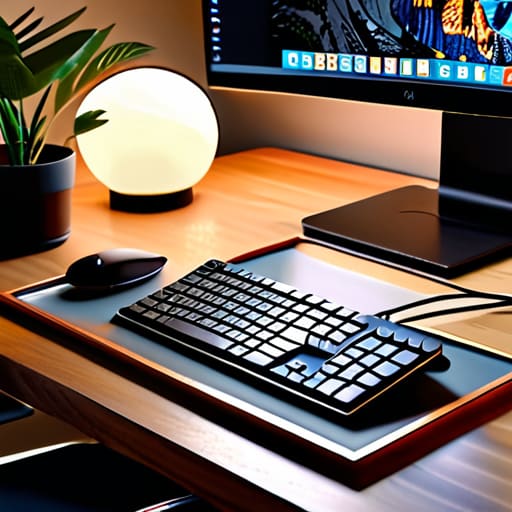
Most people think a distraction is a loud neighbor or a barking dog. They’re wrong. A distraction is any variable in your environment that you haven’t accounted for in your process. If you find yourself constantly standing up to grab a charger or squinting because your desk is in a shadow, you aren’t losing focus—you’re losing time to poor setup. I’ve seen companies bleed thousands in billable hours because their staff is fighting their own environment. Stop treating minimizing distractions at home like a psychological battle and start treating it like a logistics problem.
You need to audit your physical space with the same scrutiny you’d use for a warehouse layout. This means looking at ergonomic workspace design not as a luxury, but as a way to prevent the physical fatigue that leads to mental drift. If your chair forces you to shift every ten minutes, your focus is already gone. Position your desk to control the light; you want consistent, indirect illumination to prevent eye strain, and you certainly want to avoid the glare that makes you look like a witness in a crime documentary during meetings. If your tools aren’t within a single, logical movement, you’re adding unnecessary friction to your day. Fix the friction, or stop complaining about the noise.
Stop Treating Your Office Like a Showroom
- Audit your hardware before you buy a desk. If your process requires dual monitors and a high-speed scanner, a minimalist mid-century modern desk is just an expensive piece of wood that will be covered in cables by Tuesday.
- Measure your movement, not just your footprint. I don’t care how much floor space you have; if you have to stand up and walk three steps every time you need a file, you’ve built a bottleneck into your physical workflow.
- Standardize your lighting to prevent cognitive fatigue. Dim, warm lighting is for living rooms. If you can’t see your documentation clearly without squinting, you’re losing billable minutes to eye strain.
- Segregate your digital and physical inputs. If your “office” is also where you pay personal bills and sort mail, you’re mixing processes. Keep your professional intake streams physically separate from your domestic ones.
- Build in a “maintenance” zone. Every process needs a buffer. Dedicate a specific area for hardware charging and paper filing so your primary workspace remains a high-output zone, not a junk drawer.
The Bottom Line
Stop treating your home office like a decor project; treat it like a production line.
If you can’t document the physical steps of your workday, a $1,200 chair won’t save your productivity.
Every piece of equipment must serve a documented process requirement or it’s just expensive clutter.
Stop Decorating and Start Operating
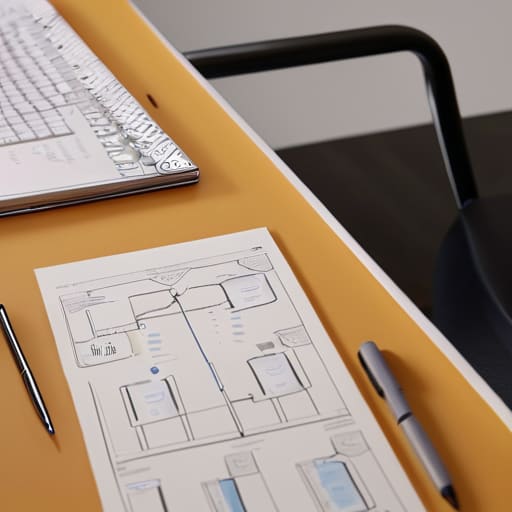
Most people approach a home office like a home decor project. They buy a mahogany desk and an ergonomic chair because they think it will magically trigger productivity. It won’t. If you haven’t mapped your actual workflow on paper, you’re just buying expensive clutter. You need to understand how you move from task to task, how you manage your digital inputs, and where your physical bottlenecks occur. A successful setup isn’t about how the room looks on an Instagram feed; it’s about minimizing the friction between your intention and your execution. If your environment doesn’t reflect your documented process, you’ve wasted your money.
At the end of the day, your office is a piece of operational infrastructure, not a sanctuary. Treat it with the same rigor you would apply to a logistics hub or a manufacturing floor. Don’t wait for a new software subscription or a standing desk to solve a systemic inefficiency in how you work. Build the system first, then buy the tools to support it. If you can control the process, the physical space will eventually follow suit. Stop looking for a magic fix and start writing down how you actually work.

